
Open the follows surface
Use desktop Chrome and open the Facebook page that lists people or pages you follow.
Facebook follows cleanup
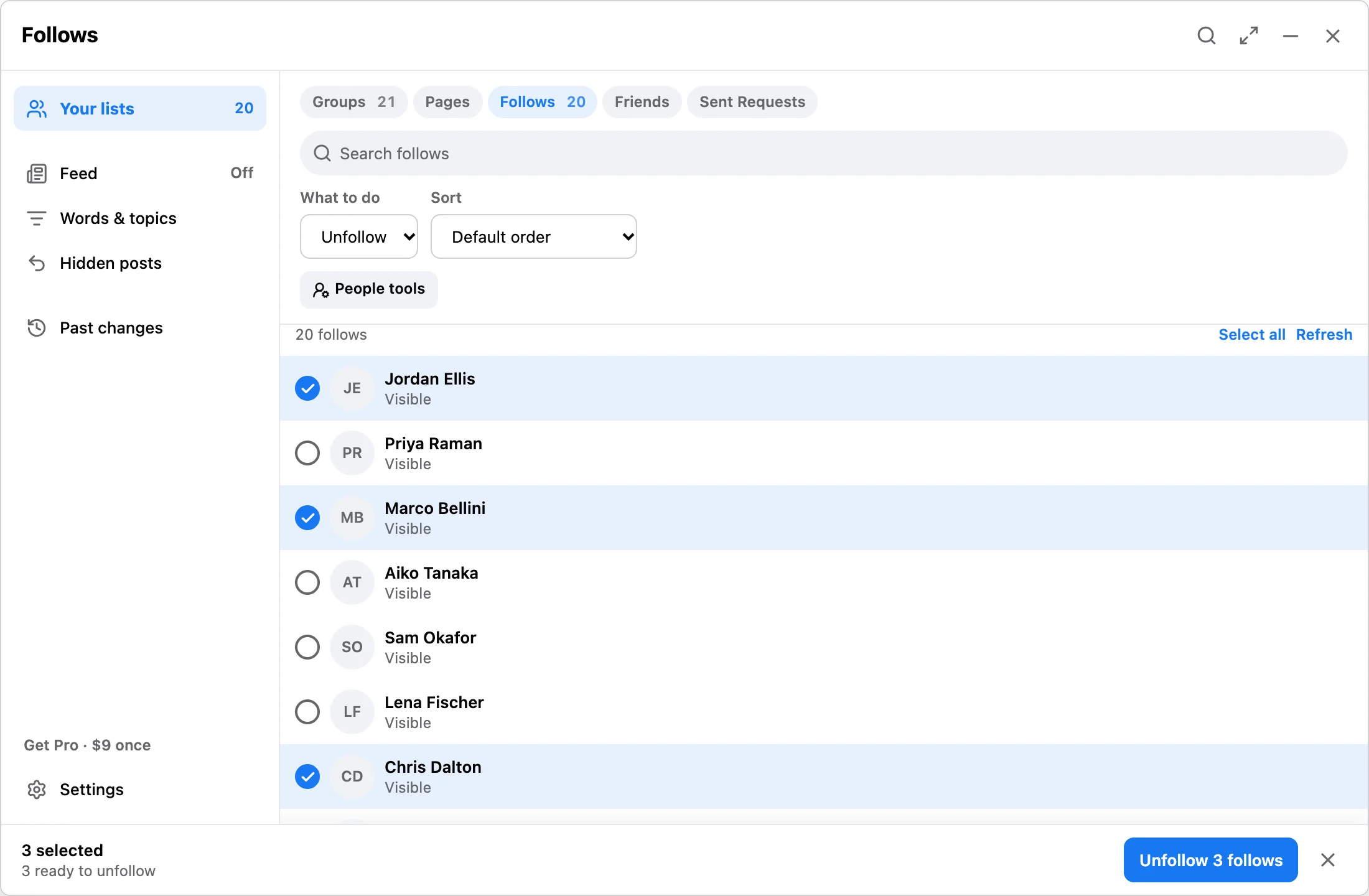
If your feed is noisy but you do not want to unfriend people, scan the follows surface, review the queue, and unfollow selected people or pages. Follow list data stays local in Chrome.
Workflow
Use desktop Chrome and open the Facebook page that lists people or pages you follow.
Select only feed sources you want to stop seeing. Unfollow is different from unfriend.
Run selected unfollows with progress, pause, resume, stop, and local receipts.
Answer
Bulk unfollow is the softer cleanup path. It reduces feed noise without removing people from your friends list. That makes review important: the same queue can include people, pages, or other follow rows depending on what Facebook exposes.
FAQ
No. Use the friend cleanup page when you want to remove friend connections.
No. Follows, settings, and receipts stay in Chrome local storage, and the extension does not ask for your Facebook password.
No. It is independent and not affiliated with Meta or Facebook.
Start small, review what Facebook exposes, and only upgrade when larger cleanup runs are worth it.